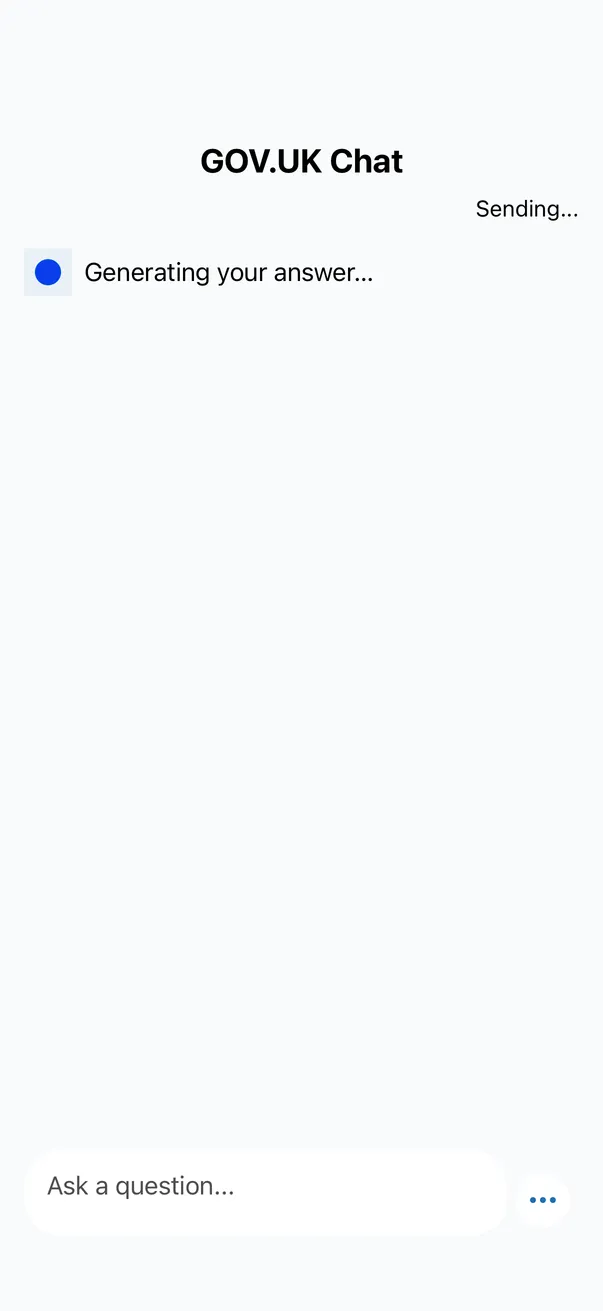
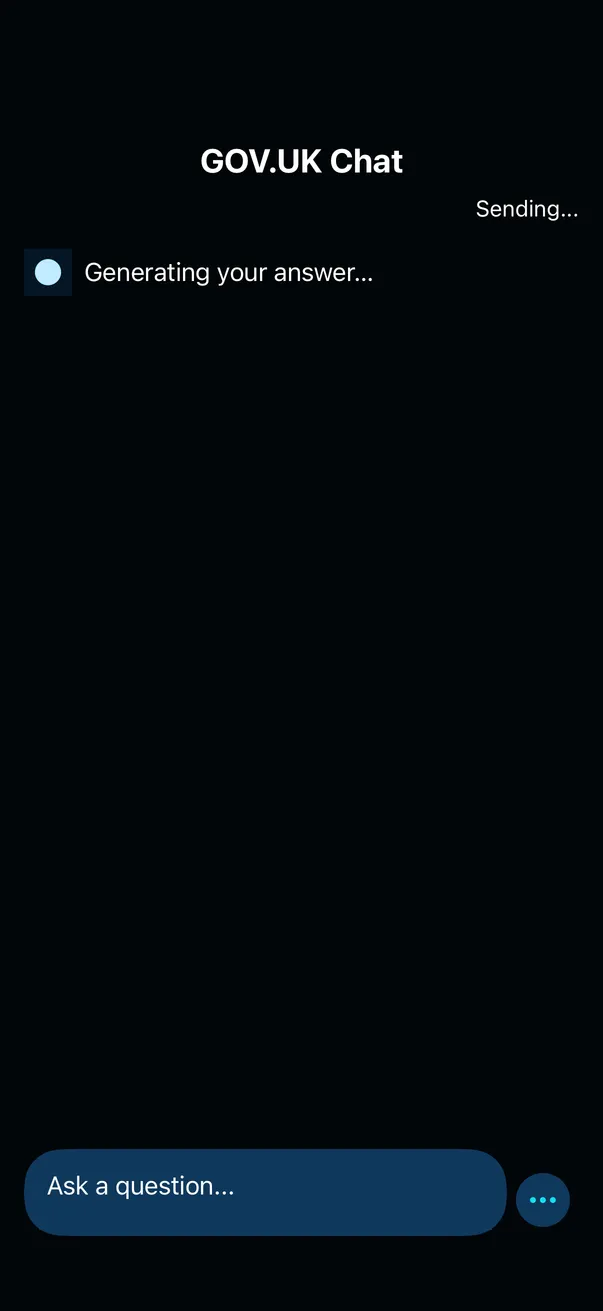
- iOS:
ChatCellView.sendingView, pendingAnswerViewin govuk-once/govuk-mobile-ios-app/Production/govuk_ios/Views/Chat/ChatCellView.swift at fc2b3b1d - iOS:
The animation, in light mode, and _dark beside itin govuk-once/govuk-mobile-ios-app/Production/govuk_ios/Resources/Animations/chat_loading_message_light.json at fc2b3b1d - iOS:
loadingQuestionMessage, gettingAnswerMessagein govuk-once/govuk-mobile-ios-app/Production/govuk_ios/Resources/Strings/Chat.xcstrings at fc2b3b1d - Android:
Loading, Sendingin govuk-once/govuk-mobile-android-app/feature/chat/src/main/kotlin/uk/gov/govuk/chat/ui/component/ChatEntry.kt at 9952400f - Figma: none linked yet
Chat loading
Shows that GOV.UK Chat is busy: Sending… while the user's question is sent, then Generating your answer…, with the app's animation, until the answer comes.
GOV.UK app component
While a question is answered
The app shows both stages while a question is sent, with Sending… where the question will be:
<govuk-app-chat-loading stage="sending"></govuk-app-chat-loading>
<govuk-app-chat-loading></govuk-app-chat-loading>
Once it’s sent, the question takes Sending…'s place, and the answer then takes the animation’s.
Known differences from the app
- The animation is drawn in CSS, not from the app’s Lottie file, so the circles’ sizes and the path they take are near the app’s but not the same. Like the app’s, it holds still when the user asks for less motion.
- The app’s snapshots catch the screen as it fades in, so the square behind the animation shows paler than the screen around it. Once the screen has faded in, they’re the same colour, as here.
Examples
Generating an answer
HTML
<govuk-app-chat-loading></govuk-app-chat-loading>Sending a question
HTML
<govuk-app-chat-loading stage="sending"></govuk-app-chat-loading>Inputs
| Attribute | Type | Default | Description |
|---|---|---|---|
stage |
"sending" | "generating" |
generating |
sending: Sending..., at the right, while the question is sent. generating: Generating your answer…, after the animation, while the answer is being written. |
Content
None.
Outputs
None.
Rules
- Use sending in place of the question the user has just asked, and generating below it, as the app shows both while a question is sent.
- Once the question is sent, show it with a chat question, and keep generating below it until the answer comes.
- Replace it with the answer. Never leave it in a conversation that has its answer.
When not to use it
| When | Use instead |
|---|---|
| Once the answer has come | govuk-app-chat-answer |
| For waiting on a screen that isn't GOV.UK Chat | Go straight to what comes next: the library has no other loading indicator. |
The iOS, Android and Figma sources it was built from
Screenshots of the app's own component, to compare the examples with
iOS