3.3.7 Redundant Entry (A)
Help people avoid having to re-enter information.
What WCAG says:
“Information previously entered by or provided to the user that is required to be entered again in the same process is either:
- auto-populated, or
- available for the user to select.”
(with exceptions)
Check the official guidance for Understanding 3.3.7 Redundant Entry
What this means
Users do not have to manually re-enter information they have already provided, or information the service already knows, during the same process.
This needs to apply unless there’s a vital reason for them to re-enter information, such as security.
Why it matters
People do not have to use unnecessary effort to re-enter information. This can benefit people with cognitive impairments such as memory difficulties or limited concentration. It can also benefit people with motor impairments who use assistive technology to type information, as it reduces the amount of typing required.
How to check
This applies whenever a user is asked for information that they’ve either already entered (like their home address), or that has been provided to them (like a reference number).
Check that that information is either automatically filled in or selectable in a way that does not rely on the browser’s autocomplete functionality.
Any filled-in information also needs to stay populated on a page when:
- the user navigates to a different page in the process and back again, or
- the form generates an error
How to test in detail for 3.3.7 Redundant Entry
Good example
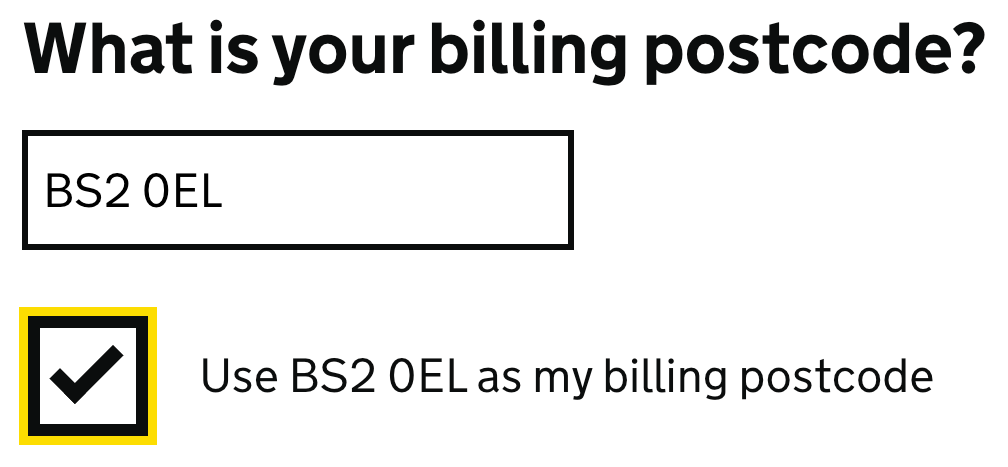
Previously-entered postcode can be selected
In this example, a user has already entered their home postcode as a delivery address. When they need to provide a billing postcode, their home postcode is made available for them to select, meaning it doesn’t have to be re-entered.
Common mistakes
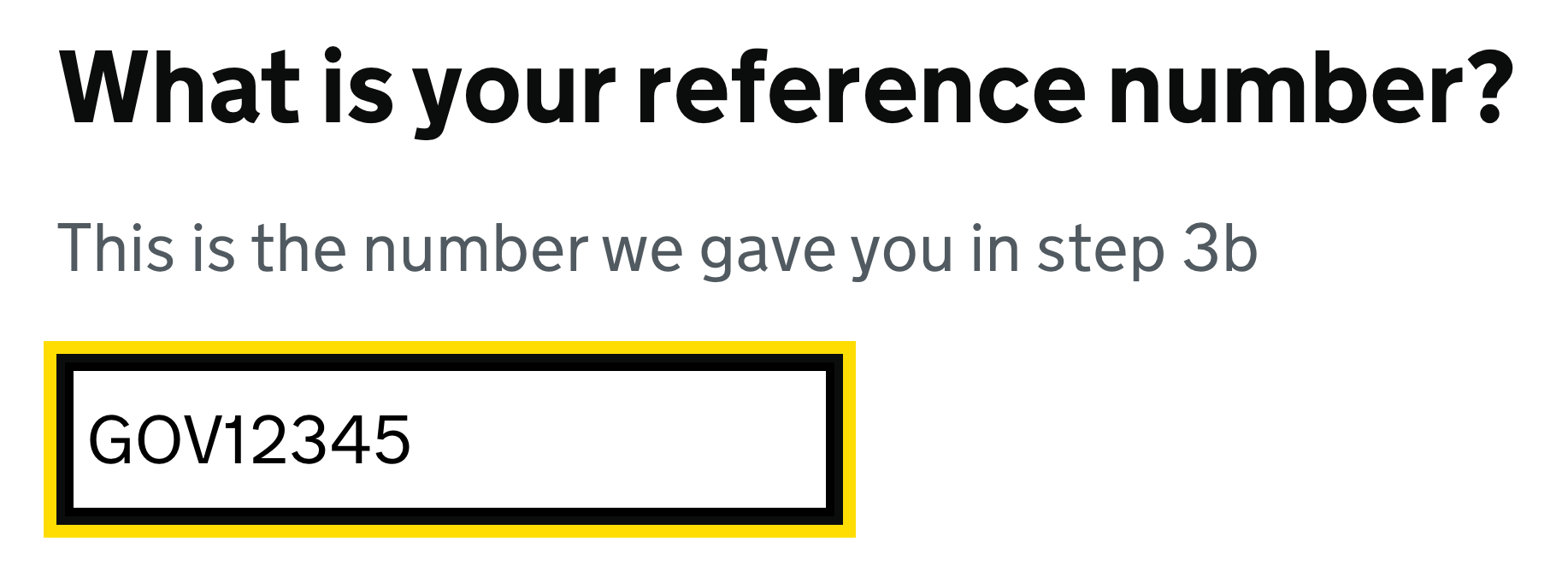
User has to re-enter their reference number
In this example, a service is asking a user for a reference number that was already provided to them earlier in the process. They are then asked to re-enter that reference number. However, as the service already has the number, it should not be asked for again, or should be shown on screen for the user to confirm it.
Related success criteria
- 3.3.4 Error Prevention (Legal, Financial, Data) (AA) helps users to avoid errors by allowing them to confirm or correct information they have previously entered.
- 3.3.8 Accessible Authentication (AA) helps users to log in without having to re-type a password or code.
Last updated
This page was last updated in February 2026.