1.4.5 Images of Text (AA)
What WCAG says
“If the technologies being used can achieve the visual presentation, text is used to convey information rather than images of text” (with exceptions)
Check the official guidance for Understanding 1.4.5 Images of Text
What this means
Text should be used to provide information instead of images of text.
Why it matters
When text is part of an image it can lose quality when magnified or resized, making it hard to read. Also some people using assistive technology may not be able to read text in an image.
How to check
If there is an image that contains meaningful text, make sure the same text is near the image unless:
- the image is a logo
- the text is customisable
- it is essential to present text a particular way - for example, a diagram
If you are unsure whether something is an image of text, visit: How to test in detail for 1.4.5 Images of Text
Good example
Infographic or posters
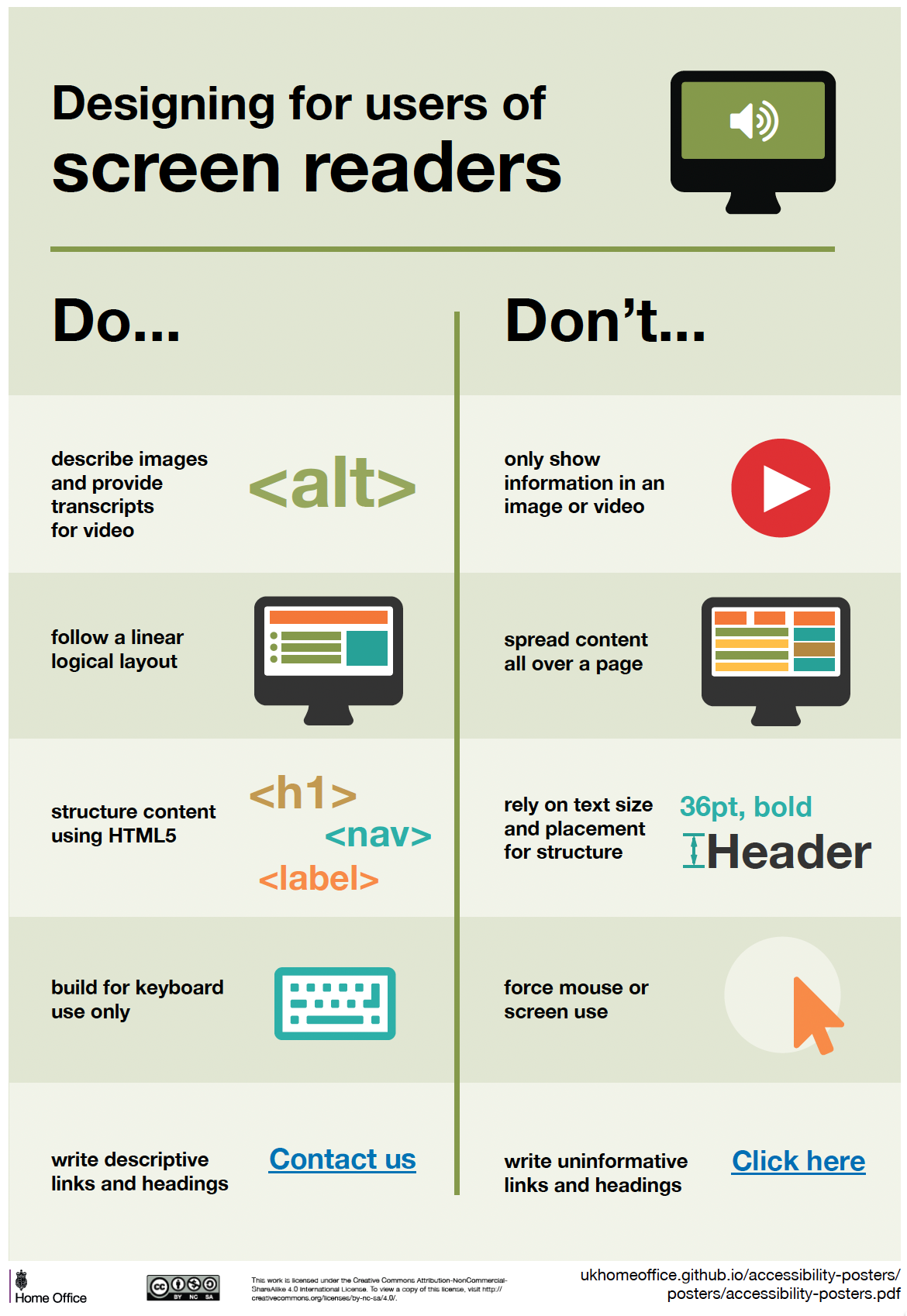
The following example is one of the accessibility posters created by the Home Office. Since the poster is an image, the text before it repeats the content so it is available to more users. This means it can be resized or read by a screen reader and still provides the option to view the poster.
Poster: Designing for users of screen readers
Do…
- describe images and provide transcripts for video
- follow a linear, logical layout
- structure content using HTML5
- build for keyboard use only
- write descriptive links and headings - for example, “Contact us”
Don’t…
- only show information in an image or video
- spread content all over a page
- rely on text size and placement for structure
- force mouse or screen use
- write uninformative links and headings - for example, “Click here”
View the Home Office accessibility posters
Common mistakes
Screenshots
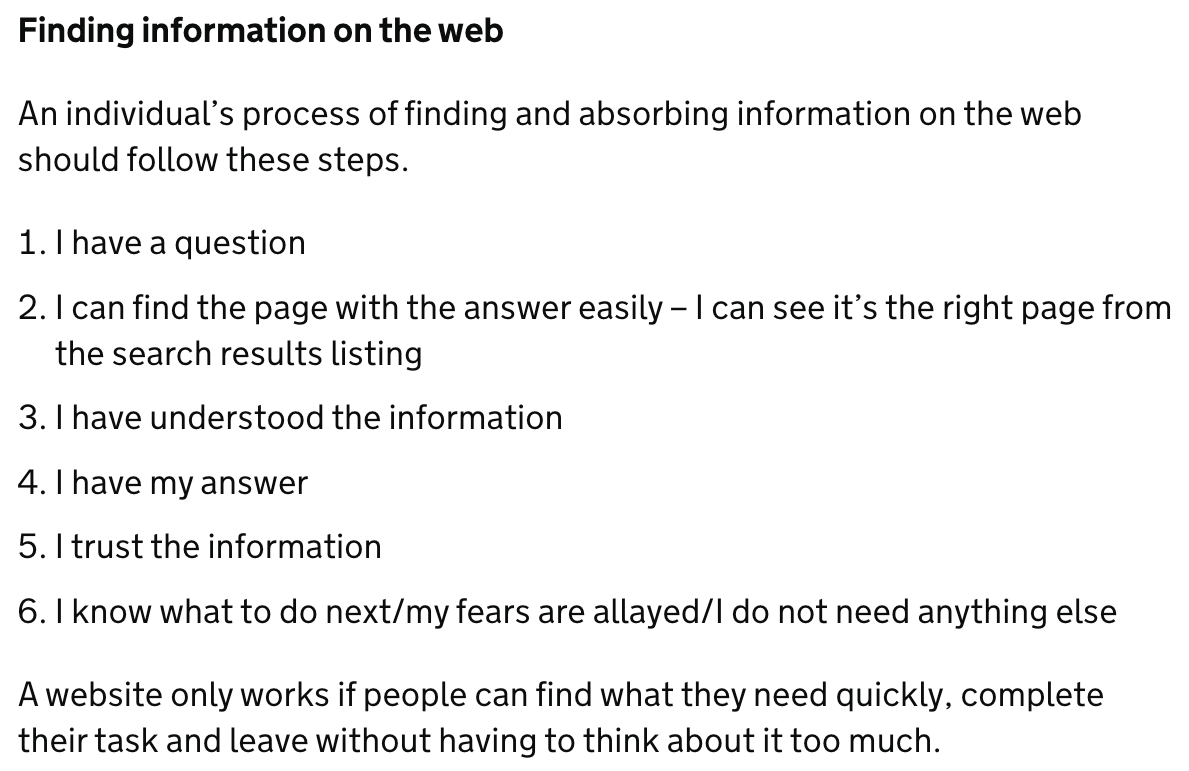
Screenshots are a common use of images of text, they are usually used in instruction guides or to ‘reference’ information on another system or website. While they can be decorative, they often contain important information.
In this case, the text in the image cannot be enlarged, changed or read by assistive technology. The best solution for this is to provide the text or the link to the source/website. When this can’t be done or the image is needed as part of a user guide, both text and image can be supplied.
Related success criteria
- 1.1.1 Non-text Content (A) covers images having a text alternative.
- 1.4.3 Contrast (Minimum) (AA) requires that text in images has sufficient contrast to the background.
- The official guidance for Understanding 1.4.9 Images of Text (No Exception) covers a more strict AAA guideline with more restrictions.
Last updated
This page was last updated in January 2026.